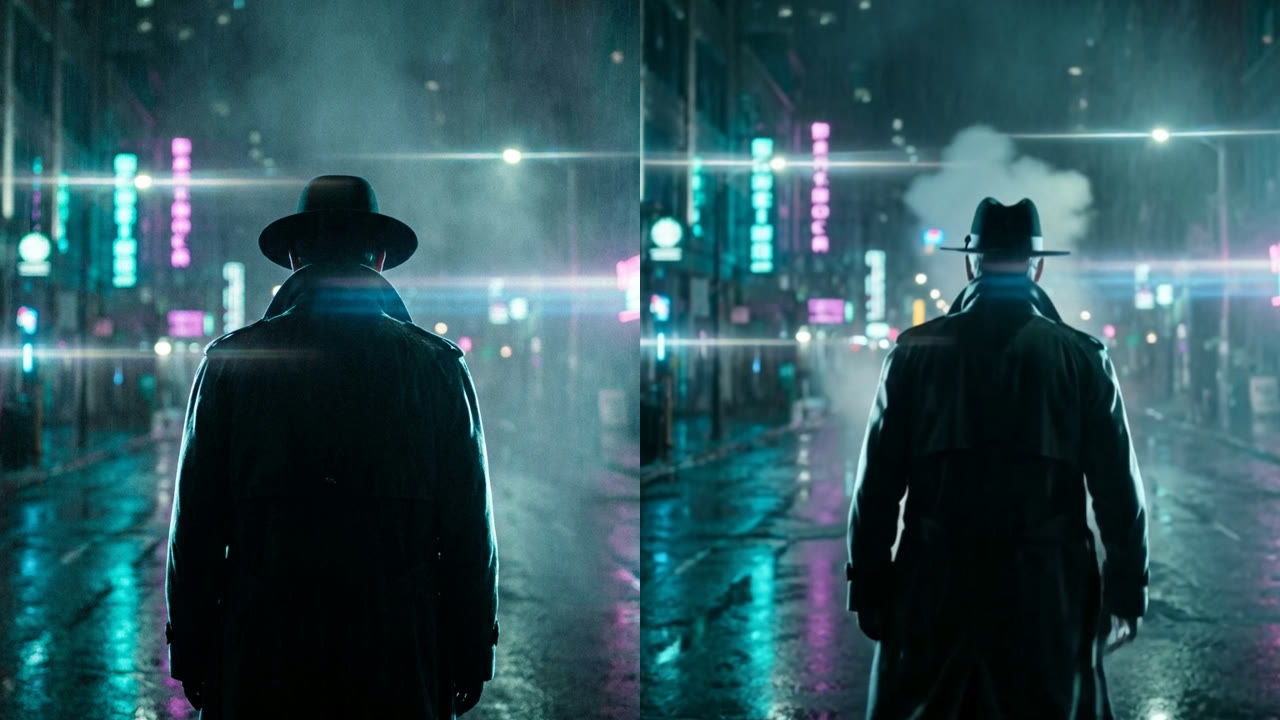
Write your shot like a director, not a prompt: the scene, the camera move, and the mood. "Neon city at night. Slow push-in. Rain, fog, lonely." Short lines work best.
02
02STEP 2
Make the frames
Give your shot lines to an AI image tool (like Nano Banana) to get movie stills called keyframes. Make one per shot and pick your favorites.
03
03STEP 3
Bring it to life
Put each keyframe into an AI video tool (like Kling) and tell it the motion: "he walks into the fog, camera pushes in." Add music and voice, cut it together.
Copy this shot · Step 1
Cinematic film still: [YOUR SCENE], dramatic rim light, volumetric fog, 35mm film grain. No text, no logos. Then for video: slow push-in, [WHAT MOVES], film-like motion.
Want this running for you?
Build it step by step inside AI Creative OS, with me in the thread.