
AI Creative OS
01Lock one face, hero first02Navy studio, medium-format film03Name the age detail you want to see04Kill the plastic defaults05Settings and QC

8K AI Realism · SILVER Pack

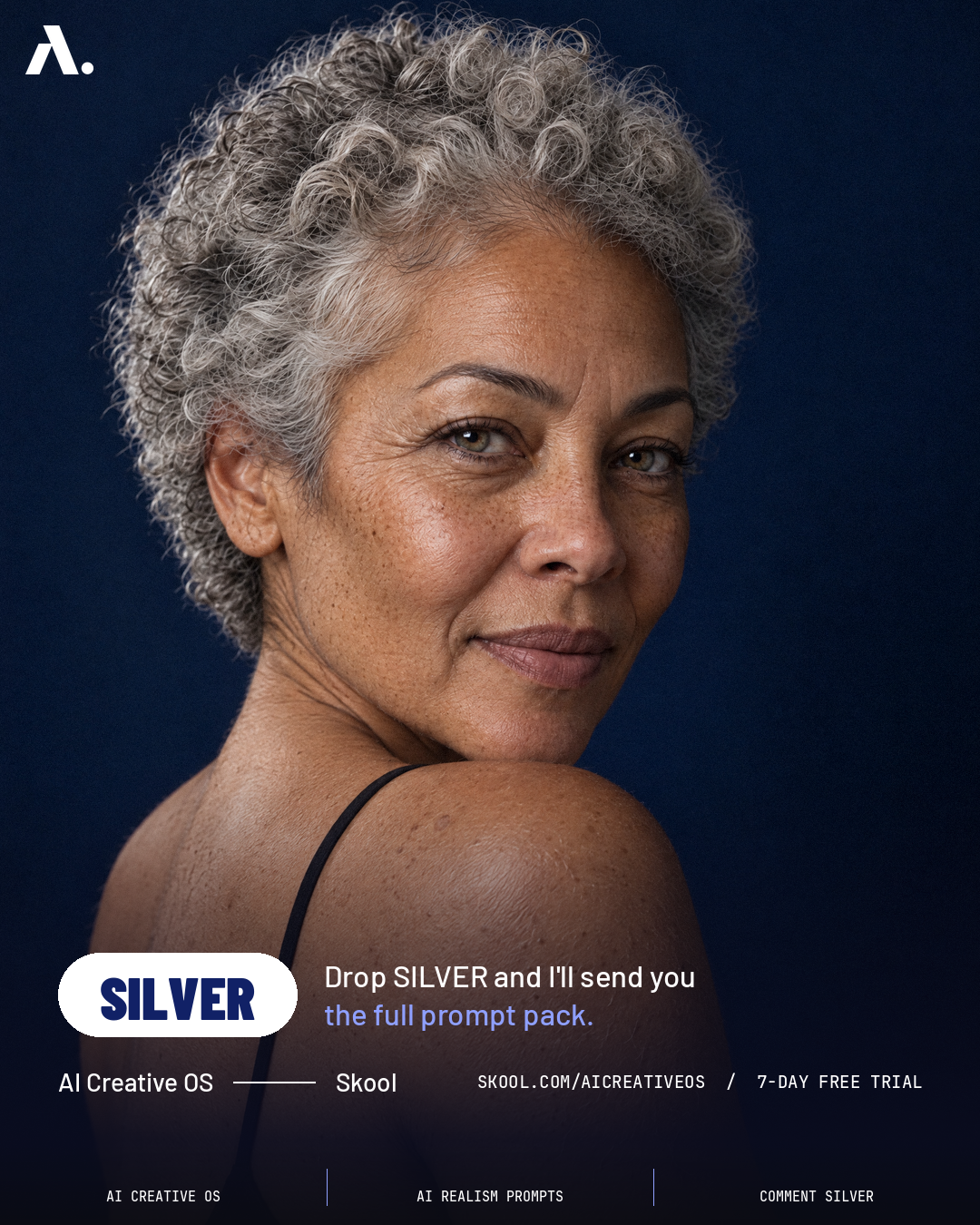
The aged-skin prompt pack behind the carousel: one mid-60s face with silver curls, a navy studio, and the exact settings I used in GPT Image 2.5 on Higgsfield. The eight ready prompts live inside AI Creative OS.
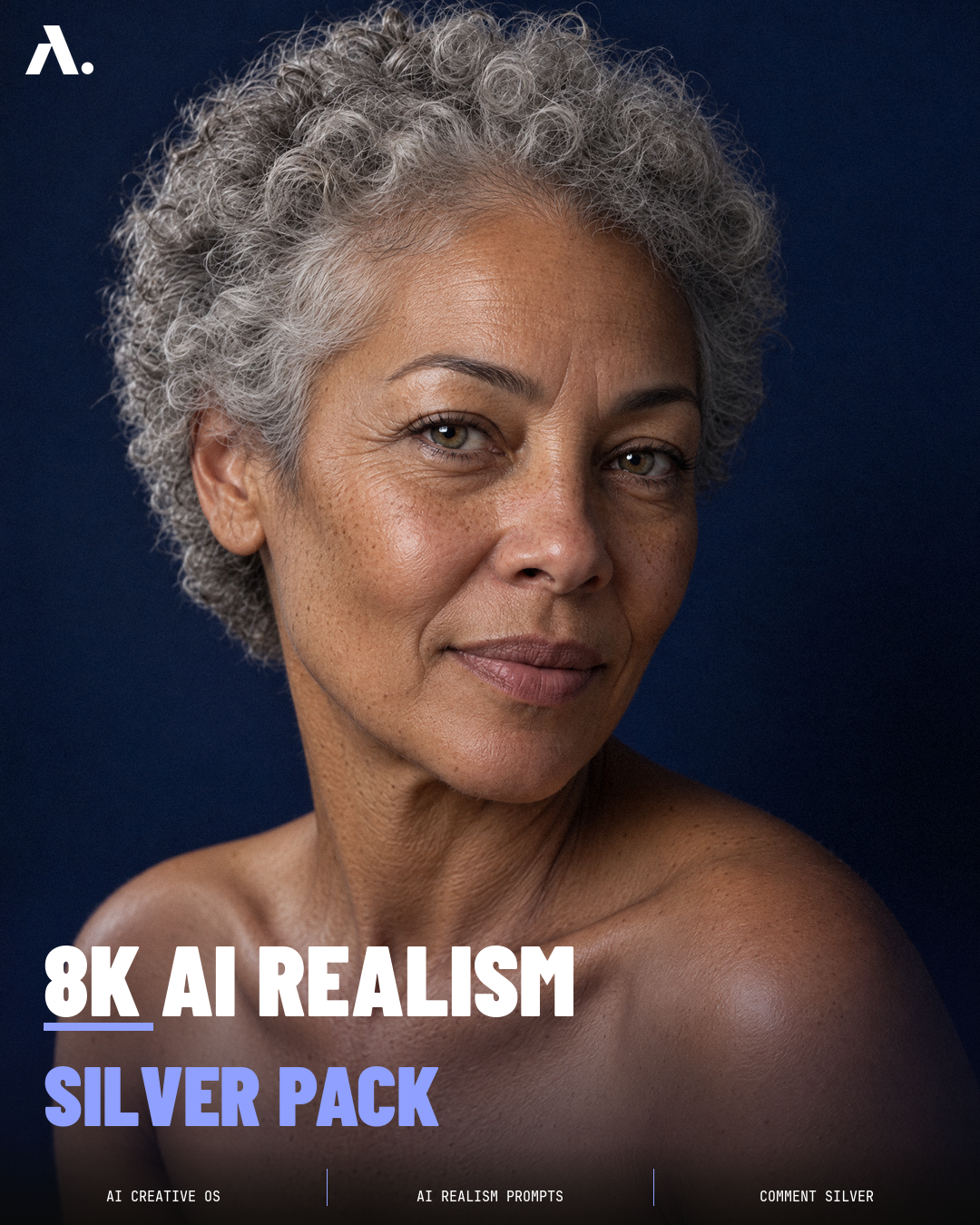
SILVER pack slide 01: hero
01 HERO
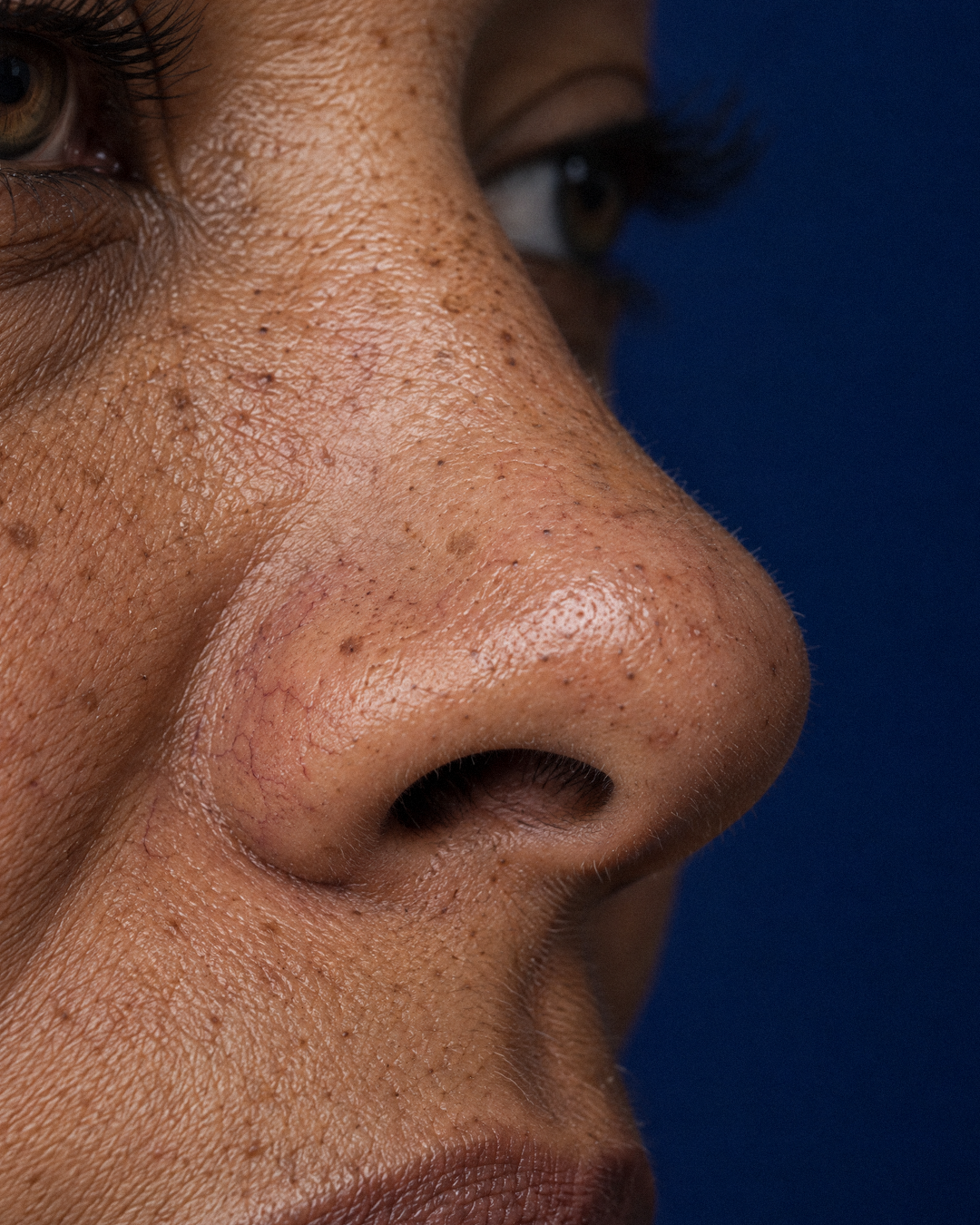
SILVER pack slide 02: nose macro
02 NOSE MACRO
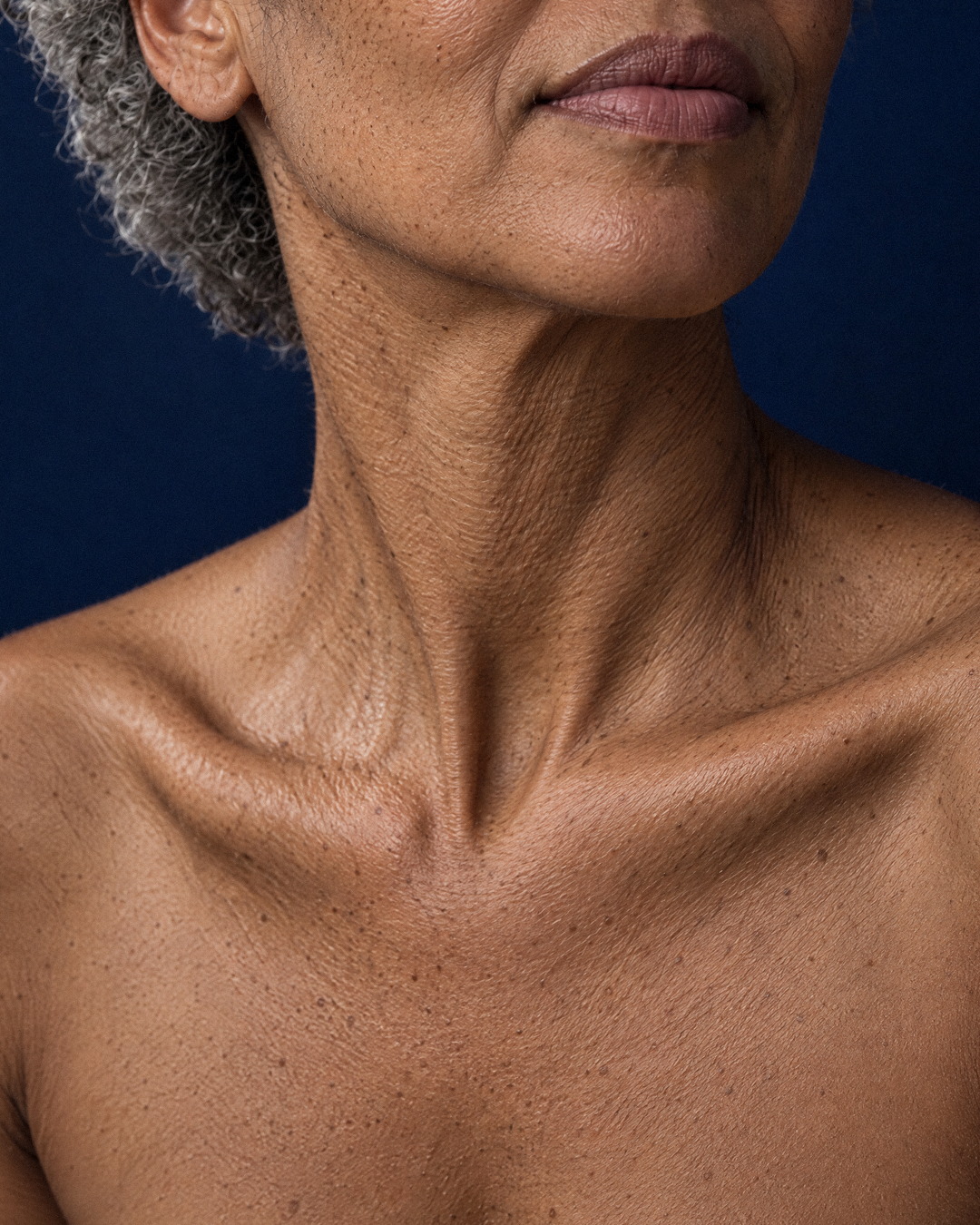
SILVER pack slide 03: neck + collarbones
03 NECK + COLLARBONES
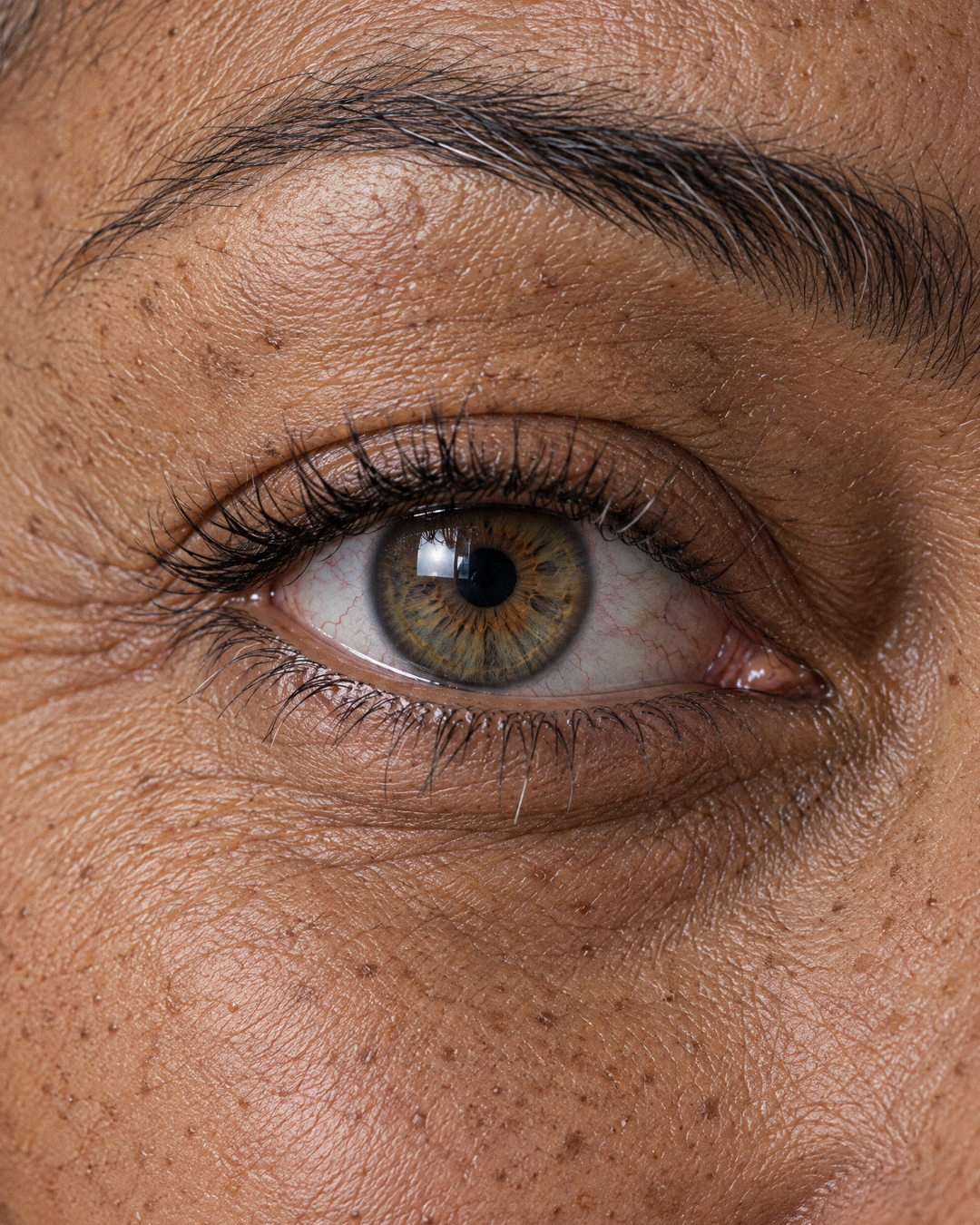
SILVER pack slide 04: eye macro
04 EYE MACRO
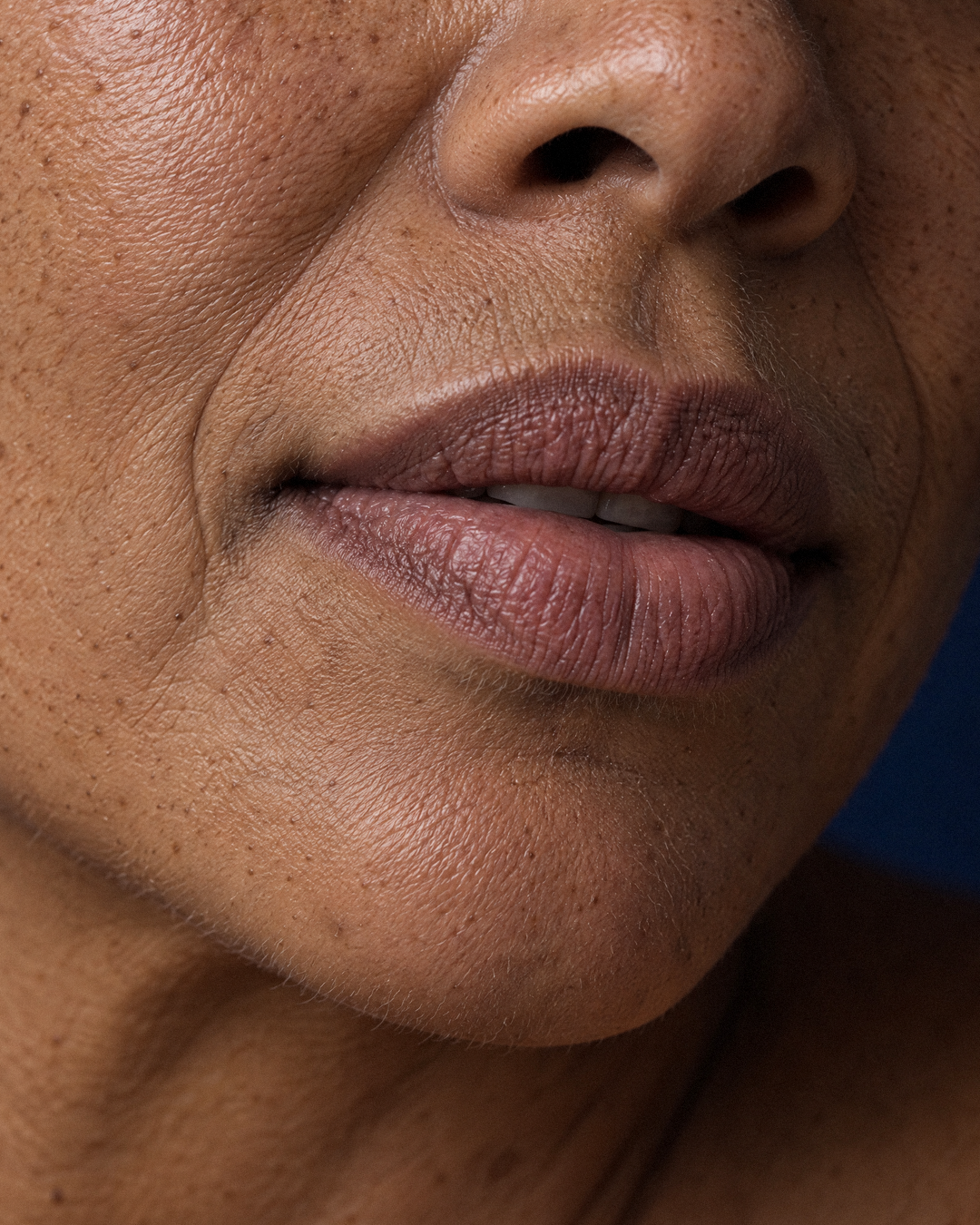
SILVER pack slide 05: lips macro
05 LIPS MACRO
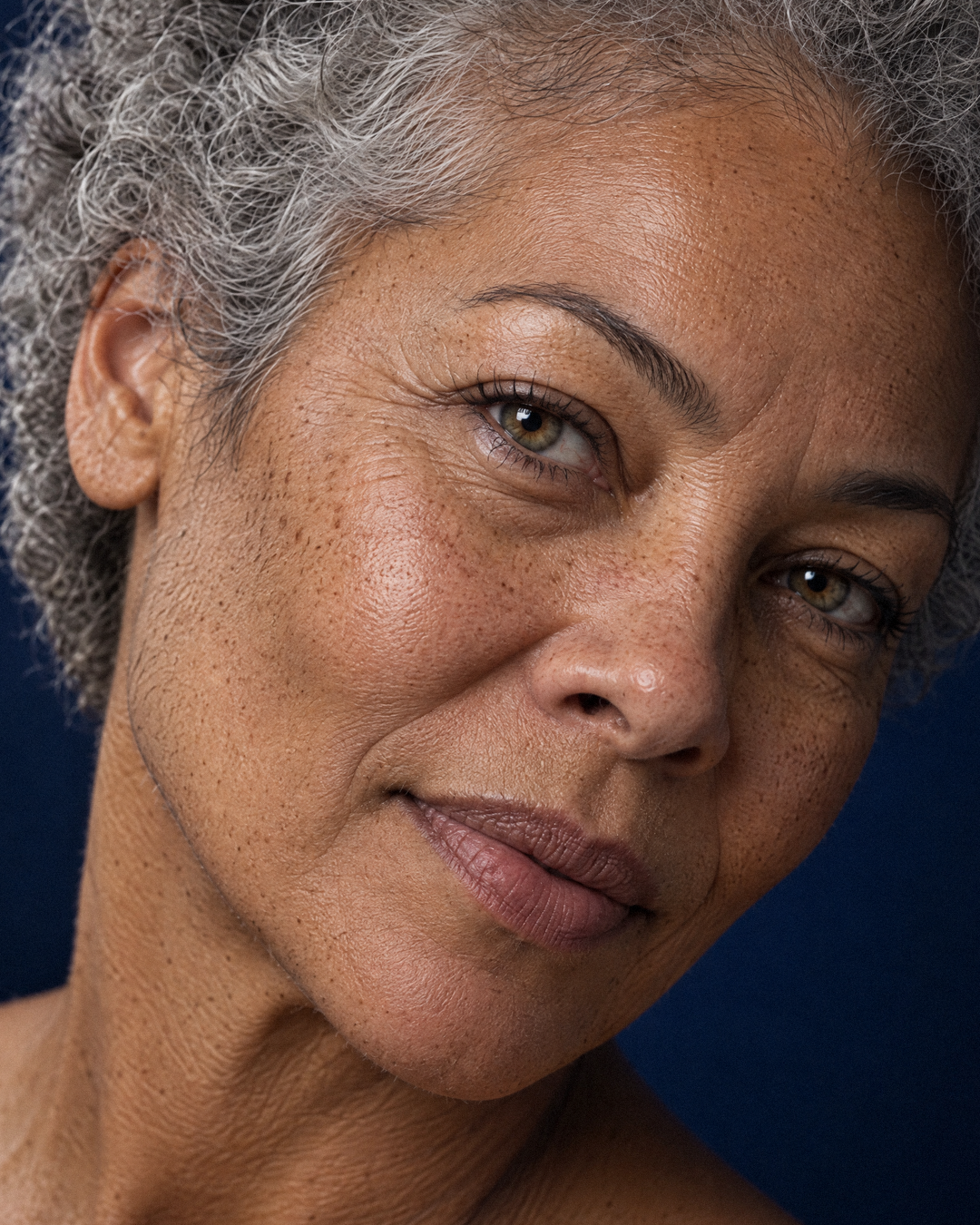
SILVER pack slide 06: angled face
06 ANGLED FACE
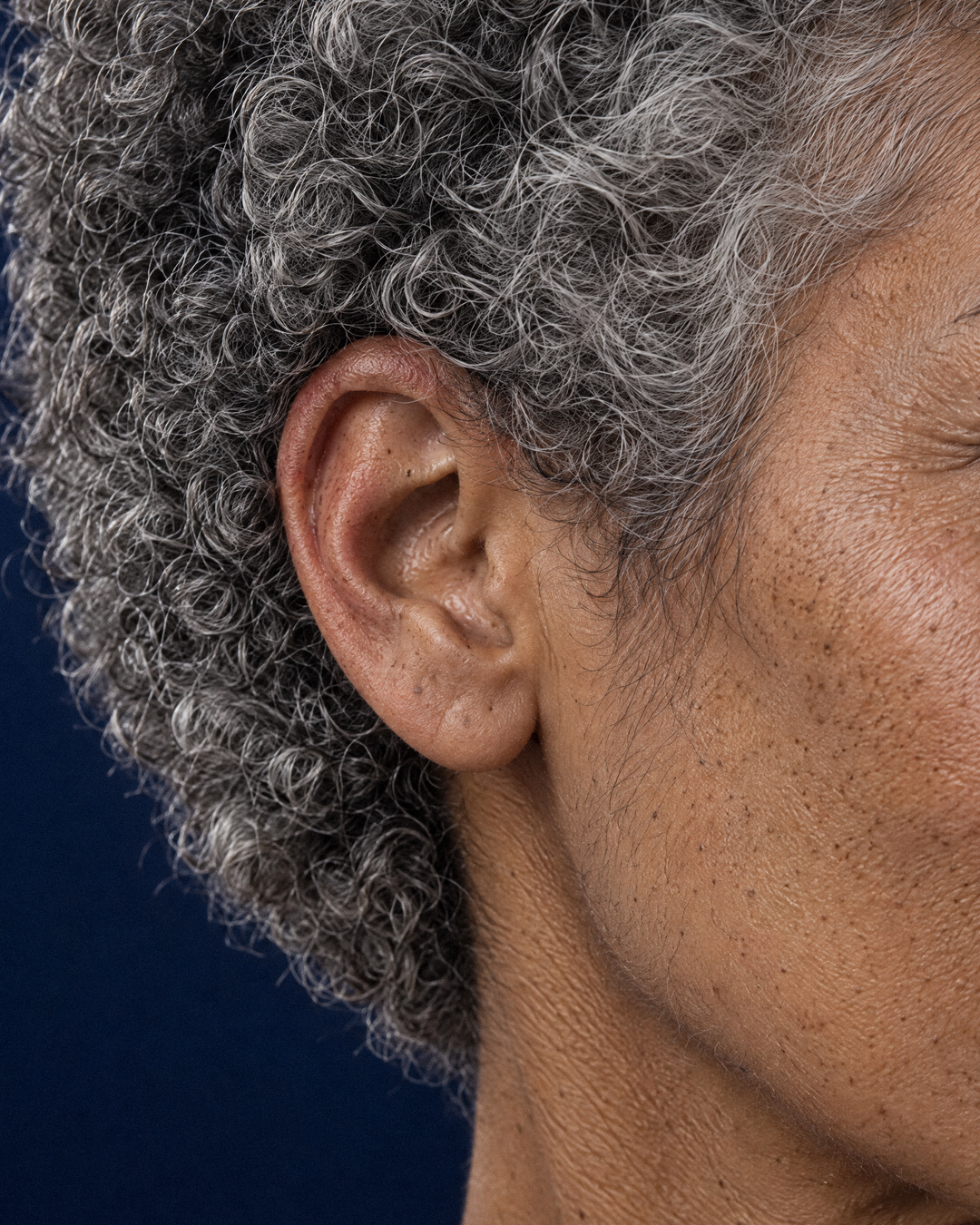
SILVER pack slide 07: ear + silver curls
07 EAR + SILVER CURLS
SILVER pack slide 08: over the shoulder
08 OVER THE SHOULDER
Want the next prompt pack?Packs like this live inside AI Creative OS on Skool. There is a free trial.Start free trial →
01Identity
Lock one face, hero first

Make the hero, then make her the reference for everything else. The hero prompt writes the identity once: mid-60s, light olive-tan skin, short curly silver-grey hair, freckles and sun spots, dark brows, hazel-green eyes. For shots 02 to 08 I attached two images: the hero I kept as the first reference (who she is) and a framing shot as the second reference (how the crop and light should look).

Every prompt repeats a short version of the identity so she never drifts.

02Studio
Navy studio, medium-format film

Every shot names the same room: deep navy seamless backdrop, one large softbox from camera left, natural falloff into shadow on the right. Every shot names the same camera: medium-format film, 100mm (macro for the close-ups), f/8.

Repeating the set in each prompt is what makes eight separate generations feel like one real shoot.
03Texture
Name the age detail you want to see

AI loves young, poreless faces.

Real age only shows up when you ask for it by name:

  • crow's feet
  • crepey eyelids
  • vertical lip lines
  • fine neck lines
  • broken capillaries
  • sun spots
  • vellus hair
  • coarse silver curls with flyaways

Each frame sells one or two of these. Vague words like beautiful or flawless skin are exactly what pushes the model back to plastic.

Want the next prompt pack?Packs like this live inside AI Creative OS on Skool. There is a free trial.Start free trial →
04Negatives
Kill the plastic defaults

Every prompt ends with the same refusal line: No beauty retouching, no smoothing, no HDR, no waxy highlights, no CGI. Fine film grain. No text. Older faces are where models over-polish the most, so the negatives matter even more here than on a young face.

Ask for matte skin and allow a sheen only where real skin has one, like the tip of the nose.

05Ship
Settings and QC
  • ModelGPT Image 2.5 on Higgsfield
  • Aspect3:4
  • Resolution2K (1744 x 2336)
  • Qualityhigh

Two image references per shot as described in step 01. I cropped the finals to 4:5 (1080 x 1350) for the carousel and put text only on the hero and the last slide.

QC zoomed in. Regenerate that one frame when:

  • pores melt
  • the iris loses its fibres
  • the neck looks waxed

Keep the rest.

The eight ready prompts are in the members pack below.
🔒 SILVER pack · members
8 real prompts + the exact settings

This guide is the full process. The ready-made version lives inside AI Creative OS on Skool, next to every other prompt pack I post.
  • All 8 prompts, word for word: hero, nose macro, neck and collarbones, eye macro, lips macro, angled face, ear and silver curls and over the shoulder
  • The settings block for Higgsfield
  • The hero-first reference workflow, ready to paste
Start free trial →
There's a free trial, so you can open the pack today.
Not ready for that?
Drop your email and 3 more guides open in the Library, free.